
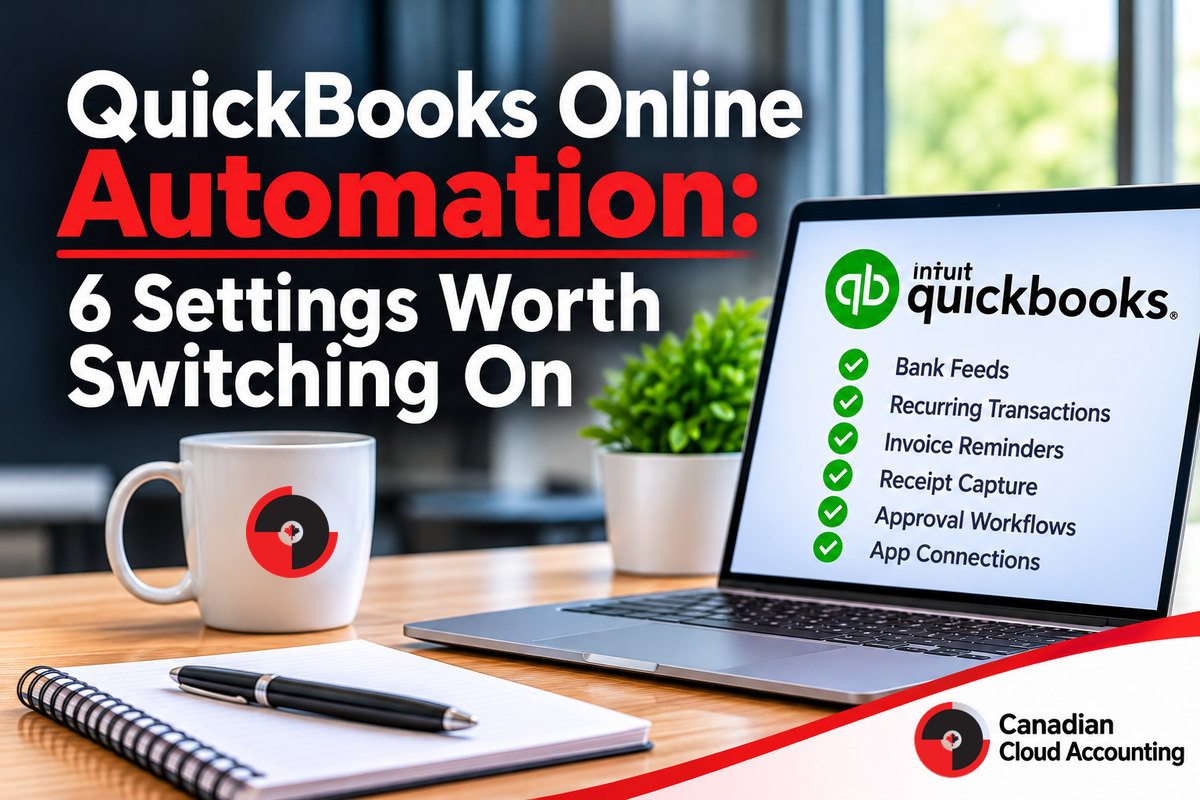
QuickBooks Online ships with more automation than most businesses switch on. The typical file is paying for cloud accounting and being run like a paper ledger: bank lines coded by hand, invoices chased from memory, receipts in a drawer.
Most of the fix is configuration, not purchasing. The six settings below remove manual work in roughly the order that pays back fastest. Features and limits vary by plan, so check what your subscription includes before building around any of them.
This is a practical list of QuickBooks Online automation settings, what each one saves, and what to watch so automation doesn’t quietly produce errors faster.
QuickBooks Online Automation: 6 Settings Worth Switching On
What to Switch On First
If you do one thing, set up bank feeds and rules properly. That is where most manual time sits. Add recurring entries and invoice reminders next, because they’re low risk and easy to check. Leave approval workflows and app connections for last, once the process they sit on is written down. See documented procedures for why that order matters. Once a period is reviewed, set a closing date so it can’t be changed by accident. It isn’t automation, but it protects the output of every setting above.
features you already pay for,
per our month-end guide
should be reviewing
audit your rules
Want your QuickBooks file doing more of the work?
Book a free 30-minute discovery call. We’ll look at your file, tell you which settings would save the most time, and be clear about what isn’t ready to automate.
How to Build a Bank Rule That Holds Up
Rules are where most of the time is saved and where most of the quiet errors start. Build them deliberately:
What Changes at Close
The effect shows up in the weeks before month-end, not on the last day. Here is the typical shift when these settings are working:
| Task | Before | After |
|---|---|---|
| Coding bank lines | Every line coded by hand at month-end. | Rules propose the coding; a person reviews the exceptions. |
| Chasing receivables | Done from memory when someone has time. | Reminders go out on schedule, so aging is cleaner at close. |
| Supplier bills | Typed in from PDFs. | Arrive coded from the connected app and are approved, not retyped. |
| Depreciation and accruals | Remembered, or missed, each month. | Recurring entries post on schedule and get reviewed. |
| Receipts | Gathered in a batch at month-end. | Attached to the transaction when the purchase happens. |
A Sensible 90-Day Plan
You don’t need to switch everything on at once. Spreading it out keeps each change reviewable:
Where QuickBooks Automation Goes Wrong
- ✗Rules nobody audits. A rule that categorizes a payee wrongly will do it every time. Review your rules quarterly and after any change in the business.
- ✗Posting without review. Let the feed suggest and a person confirm until a rule has earned trust.
- ✗Recurring entries that never get updated. A depreciation entry built for last year’s assets is wrong this year.
- ✗Automating an undocumented process. If nobody can say what correct looks like, automation just reaches the wrong answer faster.
- ✗No named owner. Someone has to be responsible for reviewing exceptions. Otherwise they pile up in a suspense account.
Automation also works best on current, reconciled books. If your file is months behind, start with accounting catch-up, then automate.
Before You Automate: A Short Checklist
- ✓The books are reconciled up to date.
- ✓The chart of accounts is clean, with no duplicate or overlapping accounts.
- ✓One person owns the exceptions and reviews them on a set day each week.
- ✓A closing date is set on reviewed periods.
- ✓The process the automation will follow is written down.
Frequently Asked Questions
The Bottom Line
QuickBooks Online automation isn’t about buying more software. It’s about using what you already pay for, in the right order, with a person reviewing what it produces.
- ✓Start with bank feeds and rules: that’s where most manual time sits
- ✓Document before you automate: automation executes whatever process you give it
- ✓Audit your rules quarterly: a wrong rule repeats its mistake every time
Put your QuickBooks Online file to work
Book a free 30-minute discovery call. We’ll review your setup and show you where automation would remove the most manual work, with a CPA reviewing the result.